How to read and copy existing files from NTFS to FAT partition?
To Copy the existing files from NTFS to FAT partition, execute the Unerase/Copy command by one of the following methods:
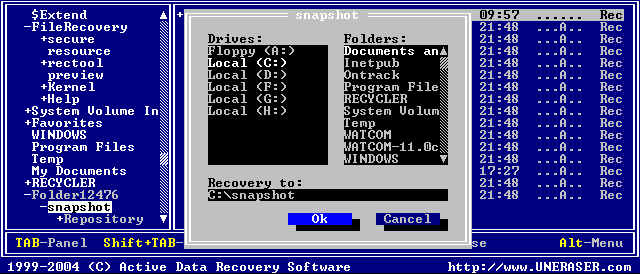
A dialog box appears, similar to the figure below:
Use the Hex/Text Viewer to view sectors in a file, a logical drive or physical device. Use the arrow keys to set the marker on a file, a drive or a device and press [ENTER] or [Ctrl]+[V] key combination.
Preview window appears and you can see the data in Hex/Text format.

